Create a secure and sovereign phone
Our phones have become essential for all our activities, including banking and finance, identity and health, relations with state services, customers, etc.
Only, these applications coexist with universal communication applications, games and utilities, “free” which are in reality spies of all our actions, collect all our data and provide them to hundreds of analysis providers, of marketing and profile sales. Our digital lives therefore leave in multiple databases and are very regularly hacked and made available on the dark web. AI and soon quantum computers accelerate the performance of hacks.
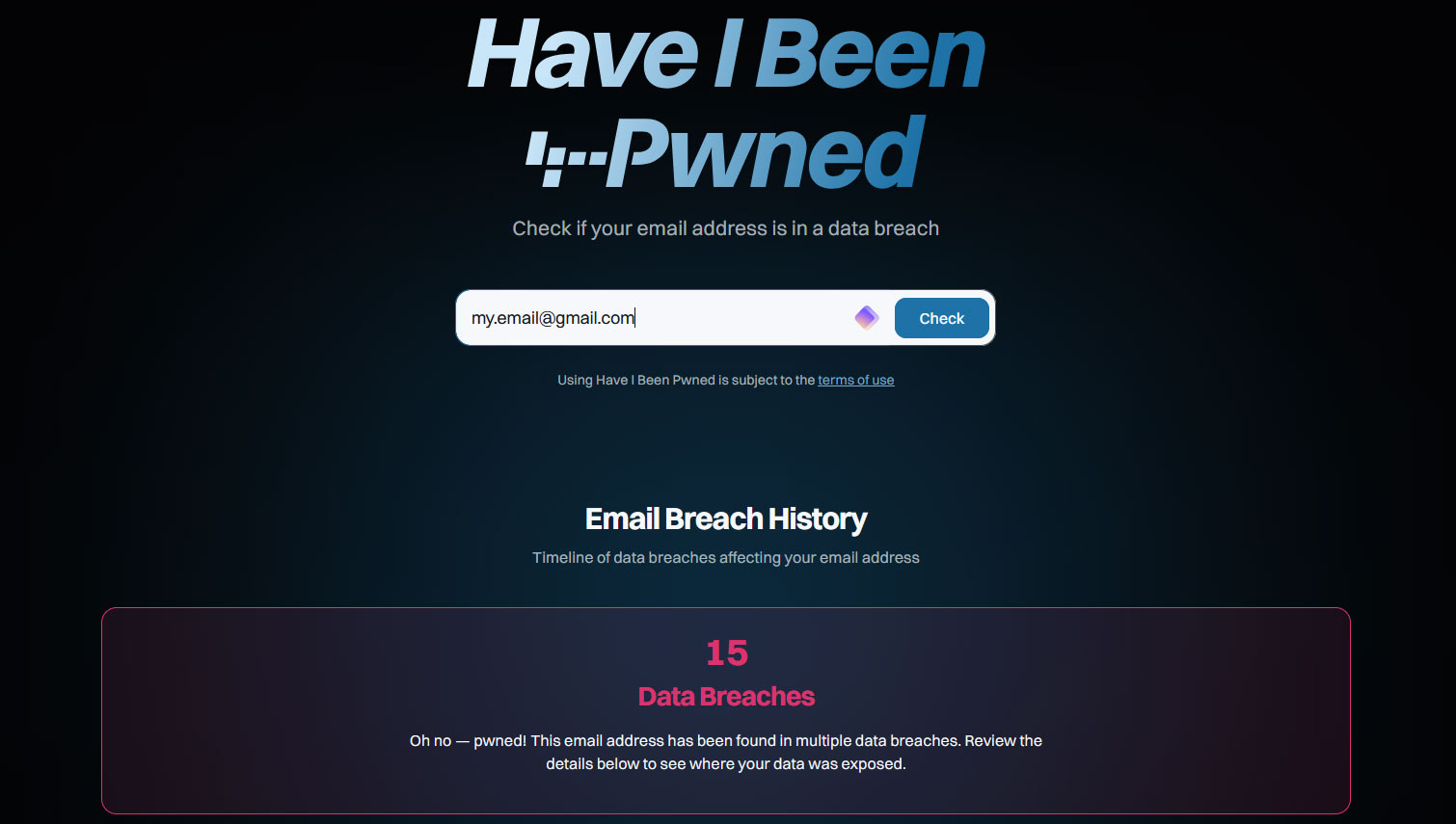
Our names, our physical and email addresses, our banks, our health, our travels, our photos including those of our children are exposed, used without our knowledge and sometimes available on the Web. Check for yourself where you are using your email address here:
https://haveibeenpwned.com/

Difficult to do without one’s WhatsApp or SnapChat, Facebook, Instagram or TikTok, favorite games, LinkedIn, Google Maps or Waze, or even Discord, Slack, and so many others, then we propose not to exclude them but to dissociate them by creating a second phone without Android from Google, without iOS from Apple or Microsoft, by installing only safe applications.
Budget from 0€ to 360€. No need for a second line or SIM card.
STEP 1 : create the secured phone
Solution 1: you own an unused smartphone or wish to acquire a refurbished one
Check online your compatibility with secure OS compatible with the available apps:
- E/OS: the system proposed by a European consortium, proven and rewarded. This system works with many smartphones such as Fairphones (Netherlands), Shift (Germany), Google Pixel (USA), CMF Phone by Nothing (UK) with the automatic installer. For other compatible phones, the installation is manual.
List of compatibilities:
https://community.e.foundation/t/list-new-devices-which-will-be-added-with-aosp-15-or-e-os-v/69785
Sailfish, works with Swedish Jolla phones and Sony phones (Japan), list:
https://docs.sailfishos.org/Support/Supported_Devices/
Calyx OS, solution with apps F-Droid and Aurora integrated, works with few phones, Fairphone (Netherlands), Pixel (Google) and Motorola (China), list:
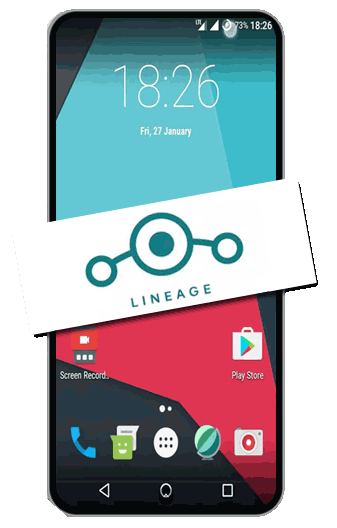
https://calyxos.org/install/ - LinageOS, the linux of smartphones, compatible with many phones but requires manual installation. List of compatible phones:
https://wiki.lineageos.org/devices/
Solution 2: acquire a phone ready-made with secured OS
Two operators in Europe offer phones with preinstalled OS compatible with the traditional App Stores and committed to privacy and data security!
- Murena (France) is the most proven with a wide range of phones from 360€, the system is E/OS and a range of European applications, without ads or data collection is provided
https://murena.com/
Jolla (Sweden) is new and offers an entry-level model at €300, the next models are in progress
https://commerce.jolla.com/
STEP 2: reliable services installed on your phone
Securing your data also means not installing precisely the applications that leak your data. On this phone, install applications from
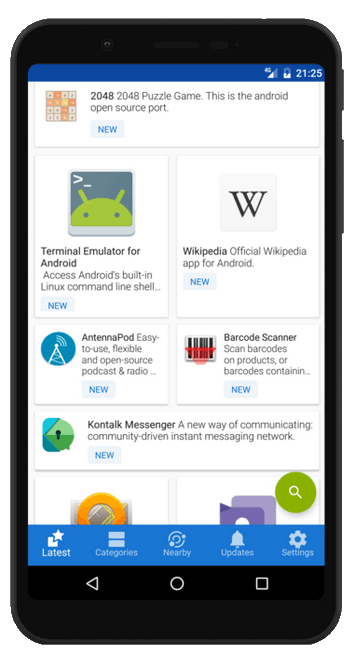
- F-Droid, which you can download here: https://droid.org/
- And for the applications that are not there, install Aurora which allows you to install all the apps available on Google Play and AppleStore without going through the Google Store! Aurora available here: https://store.auroraoss.com/
STEP 3 and no less important!
Create a private and secured free email
Do not use emails @gmail, @outlook, @hotmail, etc. Create a free email from serious European solutions, encrypted and prepared for the quantum area.
Do not use a Google, Apple or Microsoft account to create accounts, always use a direct account with your email and a password.
More complete list here
Create a free and secure email, each of its suites offers you free and paid tools to improve performance: more storage, features. Never publish this email on a site, a list, etc. Use it for your banking, health, financial, tax, identity relationships, …
Lost in all its apps? Here is a complete solution, proven, without ads, respectful of privacy:
- E-mail, drive, agenda: K Suit from Infomaniak (Switzerland) for: 1 email with 20 GB, 1 15GB drive, 1 Agenda and 1 Visio conference service, Tuta (Germany): 1 encrypted email and 1 agenda
- Messaging: Signal (US), the most common and thus more likely to find contacts among your friends
- Free apps for all uses: F-Droid at its maximum and Aurora for apps not available on F-Droid
- Suite of applications to manage all the basic features without listener, Fossify (Phone calls, SMS, keyboard, contacts, file management, camera, etc.
- Private browsers: Brave, FireFox (to be configured) and FireFox light (without configuration necessary), Opera (Norway, to be configured, integrated VPN, add the U Block extension), Tor Browser
- VPN: Proton’s basic is enough
- Multi-device password manager (computers and smartphone): ProtonPass
- Search engine: Duck Duck Go (USA), Qwant (France), Ecosia (Germany)
- AI: Le Chat de Mistral (France), Lumo (The Cat adapted for Proton, Switzerland)
Conclusion
So you have two phones, one that protects your most sensitive data, the other where you keep your compromising but essential apps. E/OS is the most efficient system and the most compatible with a large number of devices. With Sailfish, which is new, these are both to be recommended on the European market, especially in their pre-installed versions. Last important point, do not install games and utilities from Google, Meta, Google, and Miscrosoft on this secure device, go through F-Droid if not Aurora for the official apps of banks, identity, messaging, etc.
And more
To minimize Google tools on your Android phone, follow this more dedicated guide
To minimize Apple tools, from your Iphone, install the AltStore, which offers apps for iOS without going through the Apple Store